
AGENCY 21 Tashkent
Video analytics for retail in Tashkent
We set up a video analytics and facial recognition system for stores and retail points in Tashkent: it counts visitors, shows how much of that traffic converts into purchases, tracks staff working time, and controls access.
More detail
The system runs locally, on servers inside the store itself, is compatible with common IP cameras, and does not send data to the cloud.
№ 01
How it will go
Five steps from the first conversation to the result.
-
What you arrive with
Traffic counted by eye
How many people walked in and how many bought — there is no number.
-
What we do
Onto your own cameras
The system connects to the store server and to existing or new IP cameras.
More detail
How we work
Brief & site review
We review which cameras are already installed and which tasks need solving — traffic, conversion, access.
On-site setup
We connect the system to the store server and to existing or new IP cameras.
Running & data
The system counts traffic, conversion and staff time — the data stays with you.
What hardware the system works with
The system is compatible with common IP cameras, so in most cases the equipment already installed in the store can be used without replacing the whole surveillance system. If there are no cameras yet, or coverage needs to be extended, we help work out where and how many points to add for the task at hand — counting traffic at the entrance, monitoring a specific zone, or covering workstations.
-
What you get
Traffic, conversion, time
Data on visitors, purchases, staff working time and access control.
More detail
What the system does
A video analytics system solves several tasks at once: it counts how many people entered the store, compares that with the number of purchases, and shows the conversion of traffic into sales — the share of visitors who actually bought something. Separately it tracks staff working time by recording their presence at the post, and controls access to specific zones, such as a warehouse or staff-only rooms. For a store or chain owner this makes visible something that used to be a guess: how many people actually walk in, and what happens with that traffic afterward.
-
Timeline & budget
Priced by the site
Price depends on the number of locations, floor area and cameras in place.
More detail
Who it fits and how to discuss a rollout
Video analytics is useful for retail points and chains that need to understand traffic and conversion beyond plain checkout numbers, and for businesses that need access control and time tracking without manual logs. Every location differs by the number of entrances, its floor area, and the equipment already installed, so the exact set of features and the price are discussed after we look at the site. Send us the brief on Telegram and we will go over what the system can solve in your case.
-
What’s next
The data stays with you
Processing is local, on the store server — nothing goes to the cloud.
More detail
Local data processing, and why it matters for the business
The system runs locally, on servers inside the store, and is compatible with common IP camera models. Video and data are not sent anywhere: they do not go to an external cloud and are not stored on a third-party server. For the business this means the store itself remains the owner of the data: recordings and statistics never leave the company perimeter and do not depend on a third party. At the same time, facial recognition technology needs to be deployed under local rules — notifying visitors about video surveillance and an internal policy on the store side; that part of the rollout is handled by the business together with its own lawyers.
№ 02
What’s included
Visitor counting
The system counts how many people entered the store or retail point over a period.
Traffic-to-purchase conversion
It compares the number of visitors with the number of purchases, showing what share of visitors actually bought.
Staff time tracking
It records staff presence at their post during a shift.
Access control
It restricts or logs access to specific zones in the store or warehouse.
Local processing
All data is processed on servers inside the store and is not sent to the cloud.
№ 03
Our work
Films and projects we shot for brands.
-
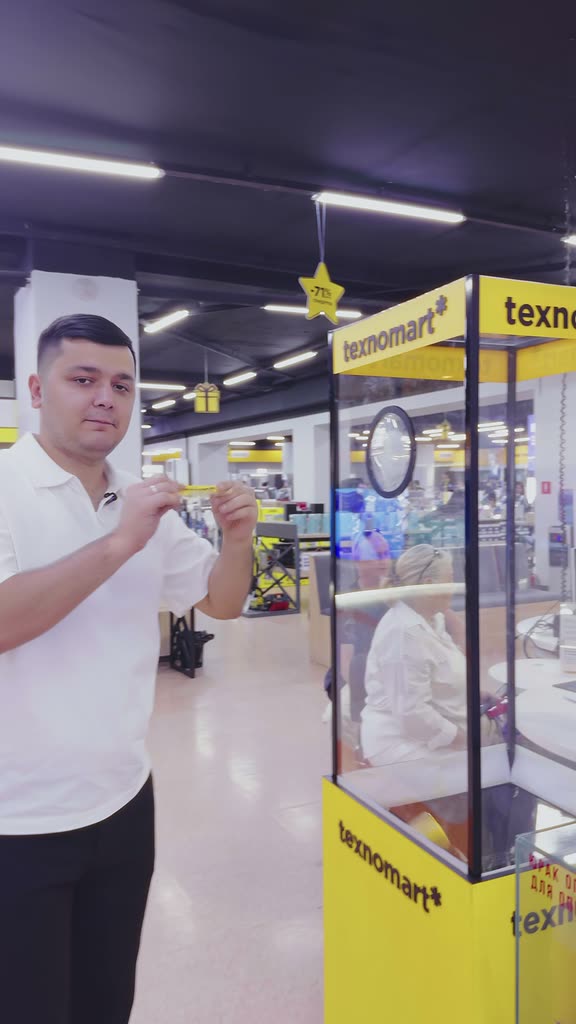 Texnomart
-
 iHub · inStore
-
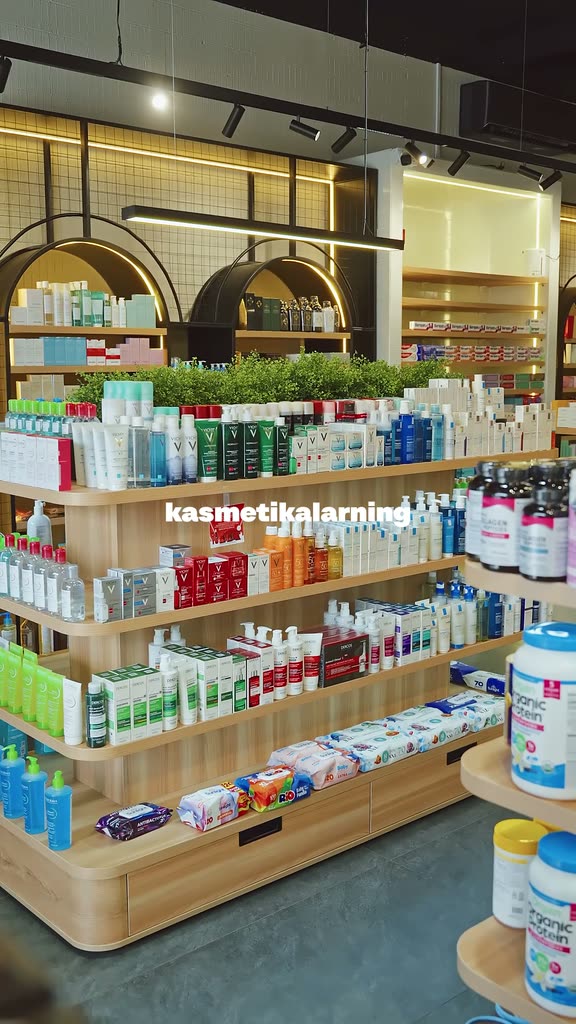 Vitamino
-
 HomePick
№ 04
Pricing
Price depends on the number of locations, the floor area, and the cameras already installed — there is no fixed price list.
More detail
Send your brief on Telegram and we will review the site and propose a solution.
№ 05
FAQ
What does the video analytics system do?
It counts visitors, shows traffic-to-purchase conversion, tracks staff working time, and controls access to specific zones.
Does the data go to the cloud?
No, the system runs locally, on servers inside the store. Data is not sent to an external cloud and stays with you.
Which cameras is the system compatible with?
It is compatible with common IP cameras, so in most cases the equipment already installed in the store works.
Do visitors need to be notified about facial recognition?
Yes, using biometric recognition requires notifying visitors about video surveillance and an internal policy on the store side — this is part of the rollout we discuss together with you. Local data processing makes this part easier, since recordings never leave the store.
How much does a rollout cost?
It depends on the number of locations, the floor area, and the equipment already installed. Send your brief on Telegram and we will review it and propose a solution.
№ 06